ClimaLinks Alerts & Notifications
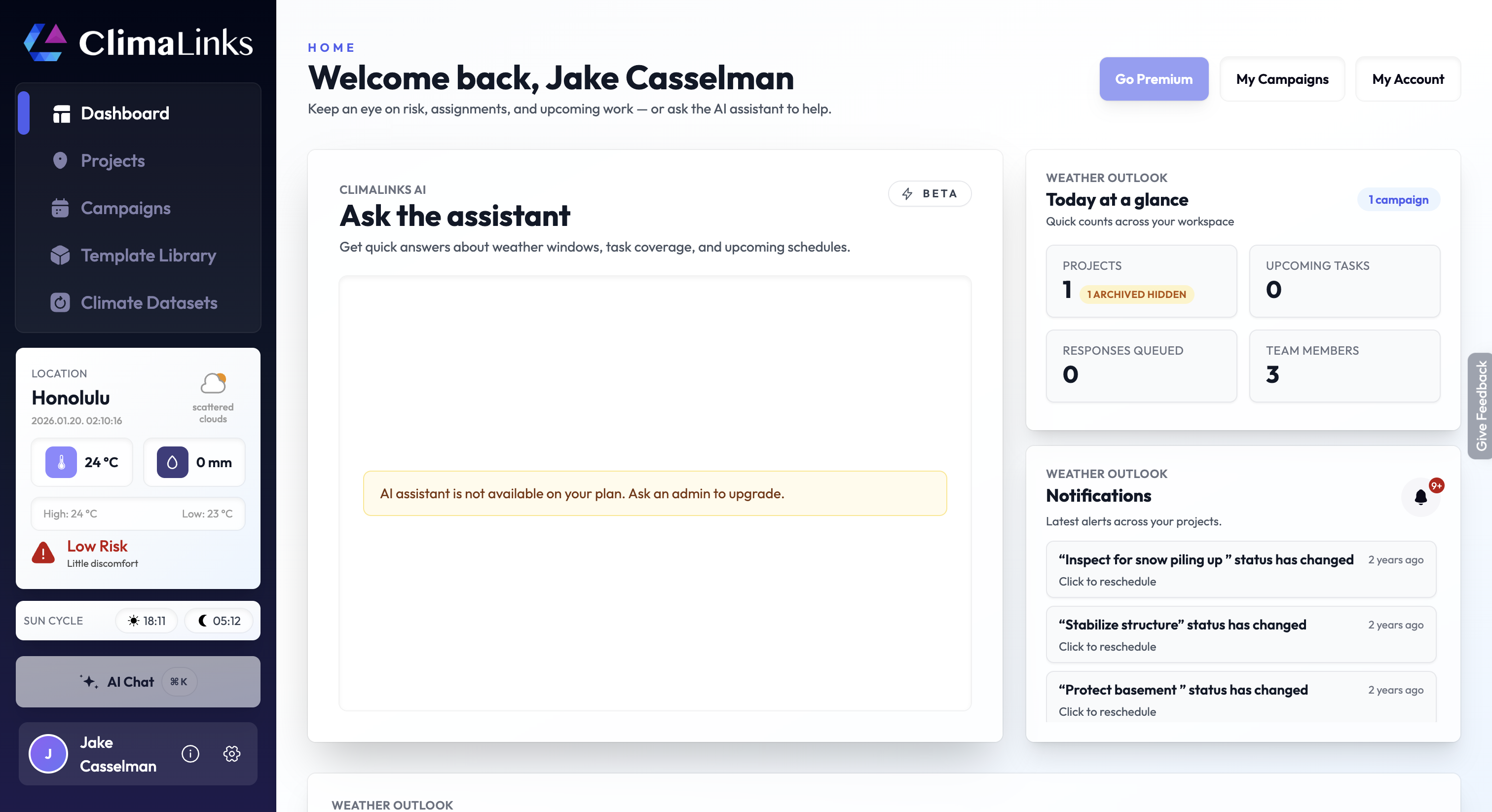
In ClimaLinks, alerts and notifications are essential tools designed to keep you informed and proactive. They are triggered under specific conditions to ensure that you're always aware of crucial changes impacting your tasks and assets.
When Do Alerts Occur?
Alerts in ClimaLinks are intelligently designed to notify you in two key scenarios:
Change in Weather Conditions for Tracked Tasks and Asset Responses:
If a task or response you are tracking is forecasted to experience different weather conditions compared to the conditions when it was initially tracked, an alert will be triggered.
How to Manage Alerts
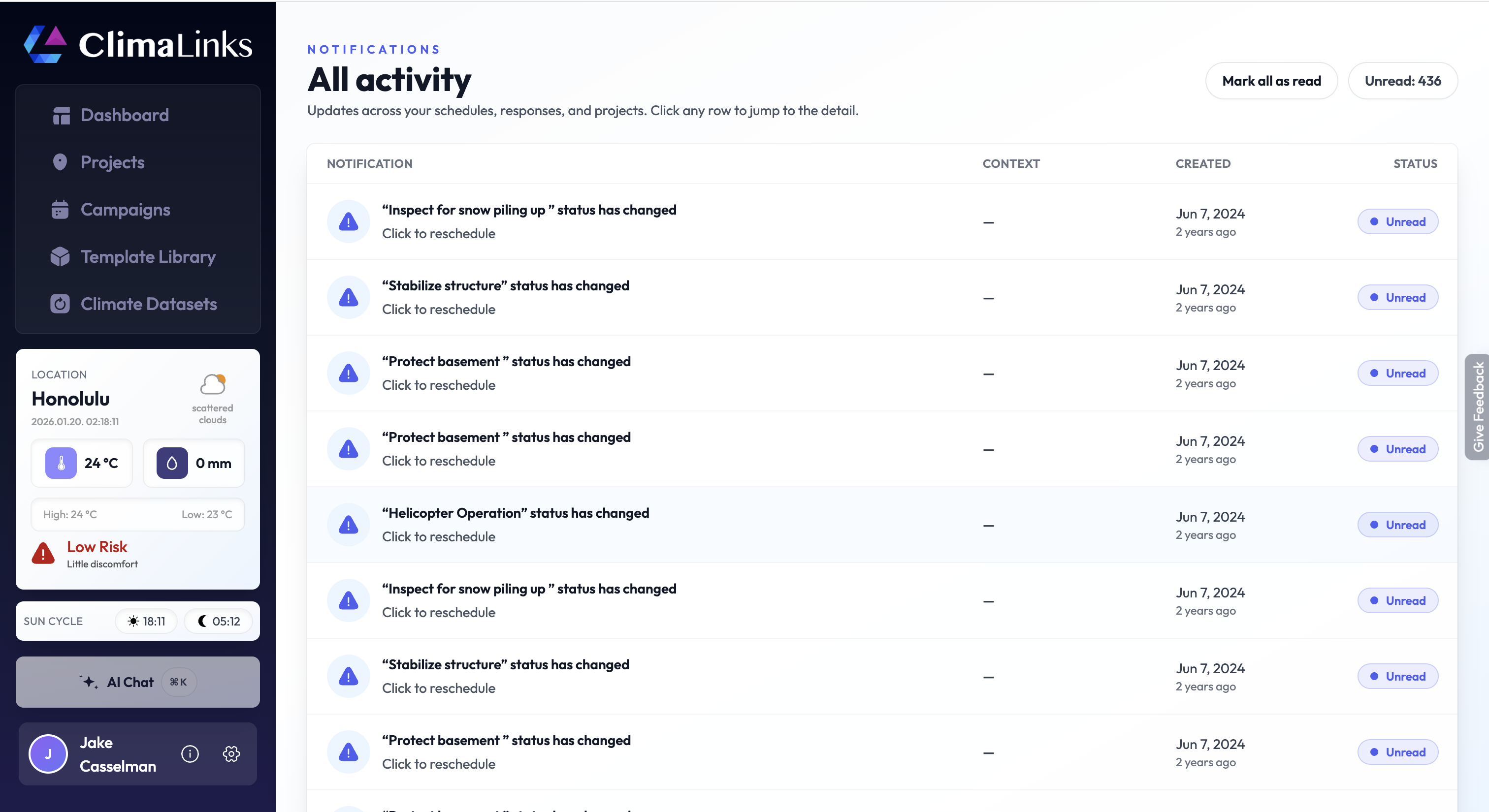
- Notifications center: Use the notifications center at
https://app.climalinks.com/notificationsto review all recent alerts in one place. - Customization: Configure alert preferences in
Settings -> Notifications, enabling or disabling based on asset responses, task tracking, or both.
Staying informed with real-time alerts is crucial for effective climate and weather-related task and asset management. Customize your alert preferences in ClimaLinks to ensure you receive the most relevant and timely notifications.